*Last updated: November 27, 2026*
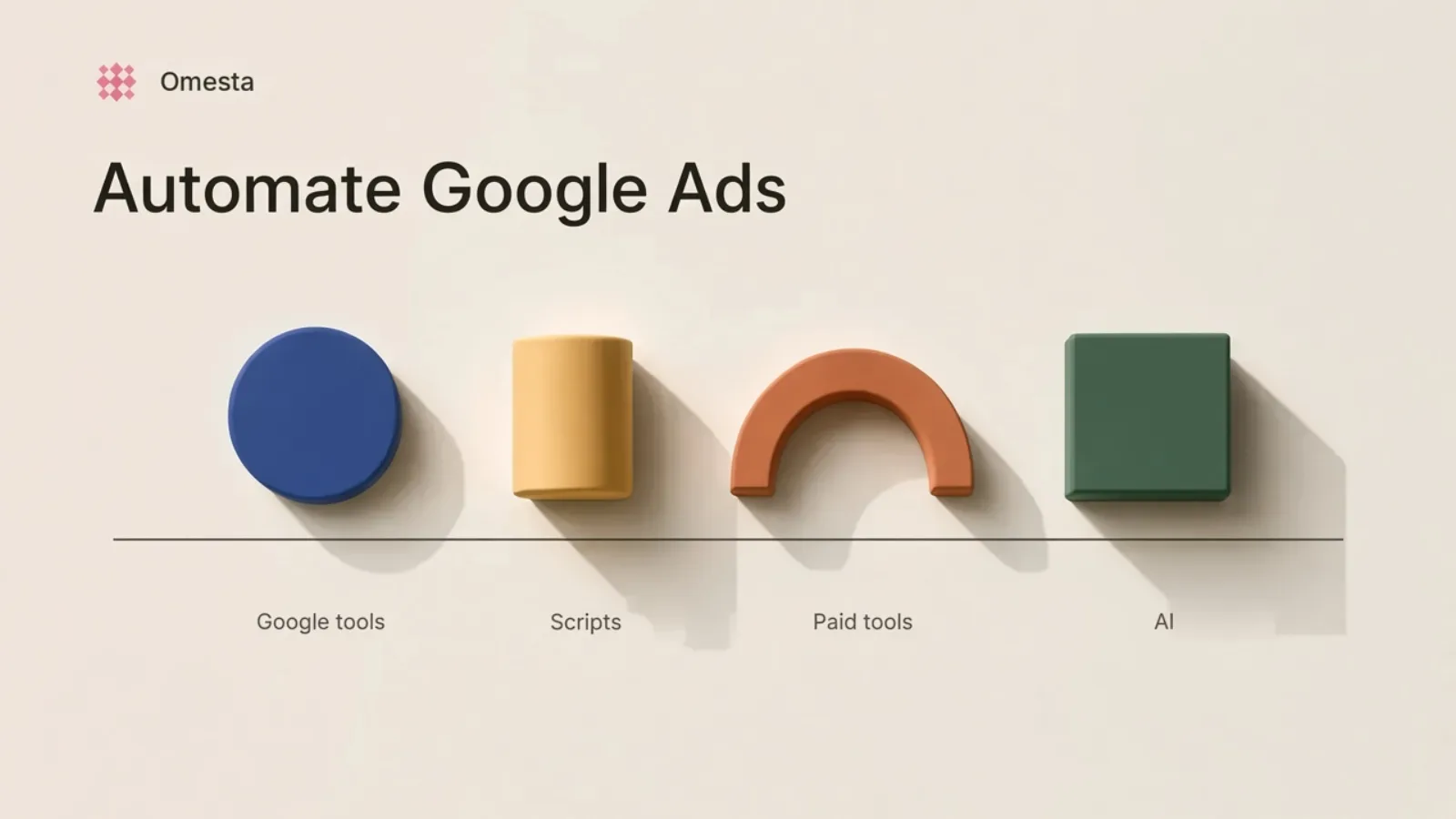
Quick answer: For a local business, the simplest way to automate Google Ads is to start with what Google already gives you for free: Smart Bidding, Performance Max or AI Max for Search, automated rules and carefully chosen auto-apply recommendations. Add scripts or a paid tool only when you need more control or have more accounts. If you want the whole job handled across Google and Meta without learning each tool, an AI ad manager such as Omesta can run reviews and changes for you.
This guide is for owners of local service businesses, franchisees and online coaches who run Google Ads (and usually Meta ads too) and are tired of checking campaigns by hand.
What parts of Google Ads can you actually automate?
It helps to split the work in two:
- Campaign creation: building campaigns, ad groups, keywords, ads and assets.
- Campaign optimization: adjusting bids and budgets, pausing weak ads, adding negative keywords, and spotting problems.
Google automates a lot of the optimization side out of the box. Creation is harder to automate without either Google's own AI campaign types or developer work through the Google Ads API.
What does Google automate for free?
These built-in features cost nothing beyond your ad spend:
- Smart Bidding. Strategies like Maximize conversions and Target CPA set bids for each auction. They need working conversion tracking to do their job.
- Performance Max. One campaign that serves across Search, YouTube, Display, Discover, Gmail and Maps toward your conversion goal. You supply assets and signals; Google handles placement and much of the targeting. Our Omesta vs Performance Max comparison covers where it fits for local businesses.
- AI Max for Search. An optimization layer on Search campaigns that adds search term matching and asset optimization. Google notes it won't be effective if the campaign is limited by budget.
- Auto-apply recommendations. You pick which recommendation types Google can apply on its own. Google says auto-apply won't raise your budget, and you can turn it off at any time. Since January 26, 2026, it no longer auto-adds new responsive search ads.
- Automated rules. "If this, then that" rules that change ad status, budgets or bids, or email you when a condition is met.
Best for: owners spending a modest amount who can spare 30 minutes a week to review what Google changed.
When should you use Google Ads scripts?
Scripts are small JavaScript programs that run inside your account. Google's help page says they can change bids, pause ad groups, add keywords, and create, edit or remove items. They also suit jobs rules can't do well, like pulling search terms into a sheet or flagging spend spikes.
The catch: Google itself says scripts work well if you or a colleague have scripting skills. A broken script can make bad changes quietly, so test on one campaign first.
Best for: owners or staff comfortable with code, or anyone with a trusted freelancer who maintains scripts for them.
Can you automate campaign creation itself?
Partly. Your realistic options are:
1. Use Google's AI campaign types. Performance Max and AI Max lean on your assets and final URLs, so setup is lighter than building dozens of ad groups. 2. Use templates in a third-party tool. Optmyzr, for example, lists a Campaign Automator and Rapid Campaign Launcher on its pricing page. 3. Build through the Google Ads API. Google documents how to create campaigns, budgets and bidding through the API. This is real developer work and needs API access.
For most local owners, option 1 plus a solid review routine beats custom code.
How do the options compare?
| Option | Cost | Covers | Effort | Best for |
|---|---|---|---|---|
| Google built-in (Smart Bidding, PMax, AI Max, rules, auto-apply) | Free (ad spend only) | Low to medium; you still review | Small budgets, hands-on owners | |
| Google Ads scripts | Free | High; needs coding | Owners or staff who code | |
| Optmyzr | Essentials $209/mo billed annually or $299/mo monthly (listed Nov 20, 2026); 14-day free trial | Google-first, plus Microsoft, Amazon, Meta and more | Medium; built for PPC pros and agencies | Agencies and PPC specialists |
| Opteo | Basic $129/mo (listed Nov 20, 2026) | Google, Meta, Microsoft, LinkedIn, TikTok | Medium; you approve its suggested improvements | Owners who like reviewing suggestions |
| Freelancer or agency | Varies widely; get a written quote | Whatever they manage | Low for you | Owners who want a person in charge |
| Omesta | From $349/mo for $500–$1.5k monthly ad spend; 14-day free trial | Meta and Google (plus TikTok) | Low; Autopilot optional | Local businesses running Meta and Google themselves |
Competitor prices change, so check each vendor's pricing page before you buy.
Where does Omesta fit?
Omesta: AI that runs your Meta and Google ads on autopilot for local businesses.
- Connects to Meta and Google through a secure OAuth connection.
- Reviews your accounts and optimizes 24/7, with clear recommendations.
- You approve changes before they run, unless automation is enabled for that action.
- Autopilot is on every plan, and you choose when to turn it on. With Autopilot on, Omesta can pause and resume ads, change budgets and bids, and launch new ads by itself.
- Flat plans priced by your monthly ad spend, with lower fees than traditional agencies and no contract. See pricing. Hands-on management from the Omesta team is included on the Scale and Enterprise (custom) plans.
Because most local owners run Facebook and Instagram ads next to Google, one place for both saves switching between two dashboards. If Meta is your bigger channel, read our guide to the best tool to automate Facebook ads.
Best for: local businesses that sell in person, franchisees and online coaches who want both ad platforms handled without hiring an agency.
What should you automate first?
A practical order for a local business:
1. Fix conversion tracking. Smart Bidding and every tool above depend on it. Count real leads or bookings, not page views. 2. Set a budget alert rule. Get an email if daily spend jumps well above normal. 3. Pick one bid strategy. Maximize conversions is a common start; move to Target CPA once you have steady conversions. 4. Turn on only the auto-apply types you understand. Leave anything that changes keywords or targeting off until you've watched it for a few weeks. 5. Review search terms weekly. Add negatives for jobs you don't do and areas you don't serve. 6. Decide if you want help. If the weekly review keeps slipping, that's the time to add a tool or an AI ad manager. Our Omesta vs DIY page walks through that call.
What are the risks of automating Google Ads?
- Bad data in, bad decisions out. If conversions are double-counted or include junk, automation will chase the wrong thing.
- Spend creep. Broader matching can pull in searches outside your service. Watch search terms and locations.
- Set and forget. Every option here still needs someone to look at results on a regular schedule.
FAQ
Can Google Ads run on autopilot?
Mostly, if you use Smart Bidding, Performance Max or AI Max and auto-apply recommendations. You still need to check tracking, search terms and spend regularly.
Are Google Ads automated rules free?
Yes. Rules and scripts are built into Google Ads at no extra cost. You only pay for your ad spend.
What's the difference between rules and scripts?
Rules are point-and-click conditions like "pause this ad if cost per conversion goes above X." Scripts are JavaScript code and can do much more, but need someone who can write and maintain code.
Is Optmyzr worth it for a small business?
It's a strong Google-first toolkit aimed at agencies and PPC pros. A single local business may find built-in Google tools or a simpler option covers what it needs.
Does Omesta work with Google and Meta?
Yes. Omesta connects to both through a secure OAuth connection, and Autopilot can act on both when you turn it on.
Is there a free trial?
Omesta has a 14-day free trial and no contract.
Want both ad platforms handled for you?
Try Omesta free for 14 days. No contract.