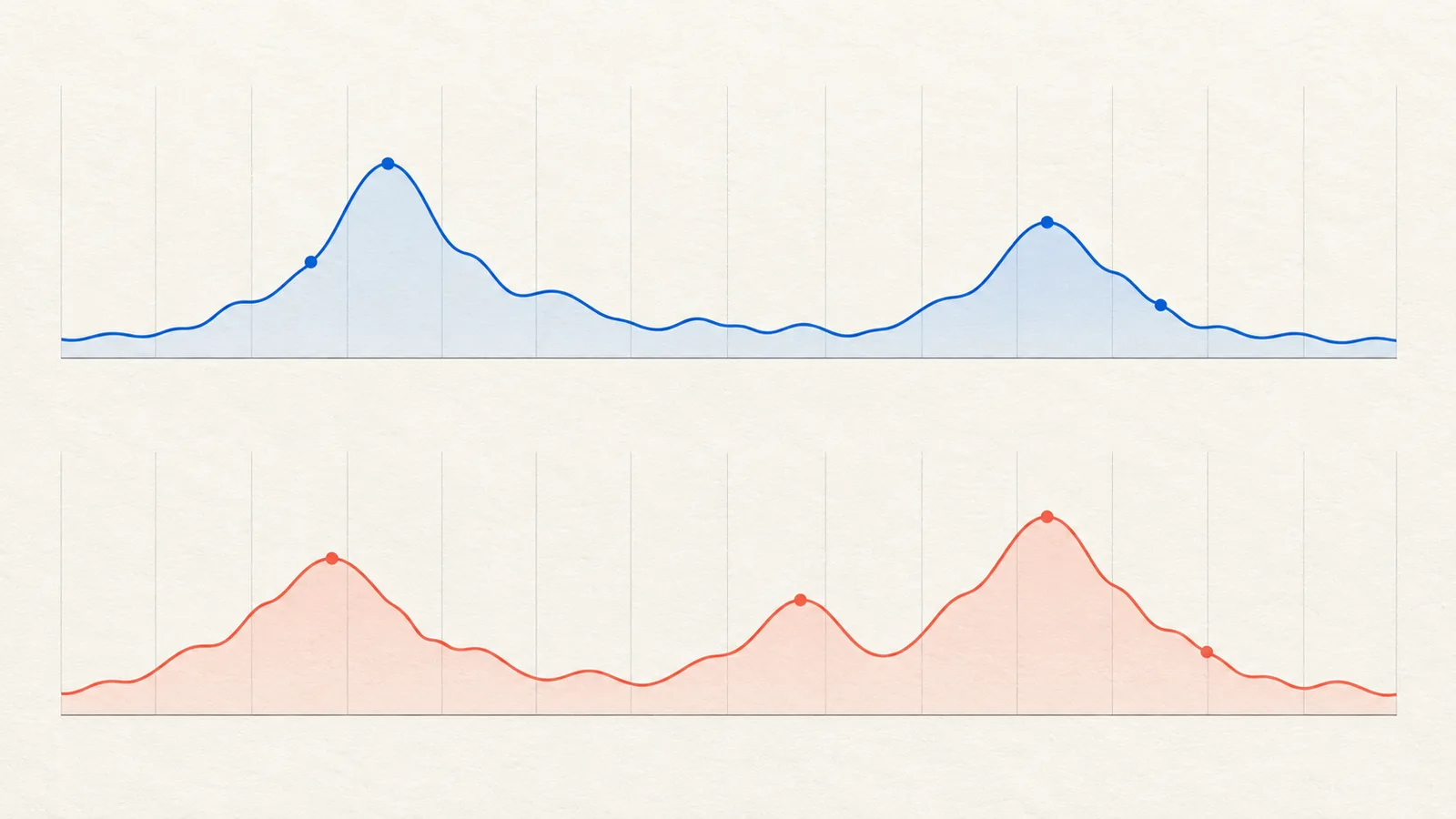

GA4 and Google Ads conversion totals can differ even when tracking is functioning. Before treating the difference as a bug, align the event definition, reporting dates, counting method, attribution settings, and data freshness.
The useful goal is an explainable comparison, not forcing two products with different reporting purposes to display the same number.
Name the two metrics precisely
Write down the property, account, conversion action or event, report, date range, and filters. “Leads in Analytics” compared with “conversions in Ads” is not a complete specification.
An Analytics event count may include activity beyond the ad interactions eligible for credit in Google Ads. “Conversions” and “All conversions” can also describe different collections of actions. Check the underlying selection instead of assuming identical column labels mean identical populations.
Google notes that differences can arise from counting rules, import delays, and other measurement factors even with a correct setup. Google's Analytics-to-Ads conversion guidance.
Build a reconciliation sheet
| Dimension | Record for both reports |
|---|---|
| Outcome | Exact event or conversion action |
| Population | All measured traffic or eligible ad-attributed activity |
| Counting | Each event, one per interaction, or another configured rule |
| Timing | Date basis, time zone, and completed reporting window |
| Credit | Attribution model and eligible channels |
| Freshness | Export time and known processing delays |
If these fields differ, first explain the expected effect. Do not change settings merely to remove an inconvenient discrepancy; the original configuration may serve a legitimate reporting purpose.

Check the date basis with an example
Suppose someone clicks an ad on Monday and submits a form on Thursday. A report organized around the ad interaction can place credit differently from a report organized around when the action happened.
Google specifically identifies interaction-date versus conversion-date reporting as a source of disagreement. Compare an appropriate date basis and time zone before concluding that one system lost the inquiry. Google's reporting discrepancy guidance.
Use completed periods where possible. Re-exporting a recent period later may change totals as processing and delayed outcomes arrive. Save the export time so a colleague can reproduce the comparison.
Investigate remaining differences in order
Once definitions align, test implementation. Check that the intended action fires on a successful submission, not on a button click or failed attempt. Review duplicate tags and overlapping imported actions. Use the end-to-end tracking test for that work.
Then inspect linking, redirects, consent behavior, and whether the relevant identifiers are preserved through the journey. Do not weaken privacy choices to make a report match.
Keep unresolved differences as a labeled reconciliation item with an owner. “Unknown” is more useful than an unsupported explanation such as “Analytics always undercounts by 20%.” There is no fixed discrepancy percentage that proves every installation is healthy.
Keep business counts separate
Your CRM may record a valid inquiry that neither report attributes to a paid interaction. Conversely, two platforms may each claim credit for one business outcome. Maintain a distinct unique-inquiry and customer view; attribution reports are not a substitute for that ledger.
Use the reconciled reports for their intended questions: campaign optimization, website behavior, and business results. Differences become manageable when the definitions are explicit.

How Omesta helps with preserving reporting context
Recent Omesta reporting work avoids blending incompatible periods or time zones and keeps independently valid channel data visible. That helps a review start with clearer boundaries. It does not force GA4 and Google Ads to agree: use the definitions and reconciliation steps above, and retain uncertainty when the sources measure different things.
Explore the AI ad-management workflow for current capabilities and the pricing page for plan limits.
Frequently asked questions
Should the totals always match exactly?
No. Matching requires comparable definitions, timing, and scope, and some measurement differences can remain. Aim to understand them.
Is a mismatch proof of broken tracking?
Not by itself. A failed controlled test is stronger implementation evidence than a disagreement between differently configured reports.
Which report should determine revenue?
Use your reconciled business records for actual transactions. Use advertising and analytics reports to understand measured attribution and behavior, with their limitations stated.