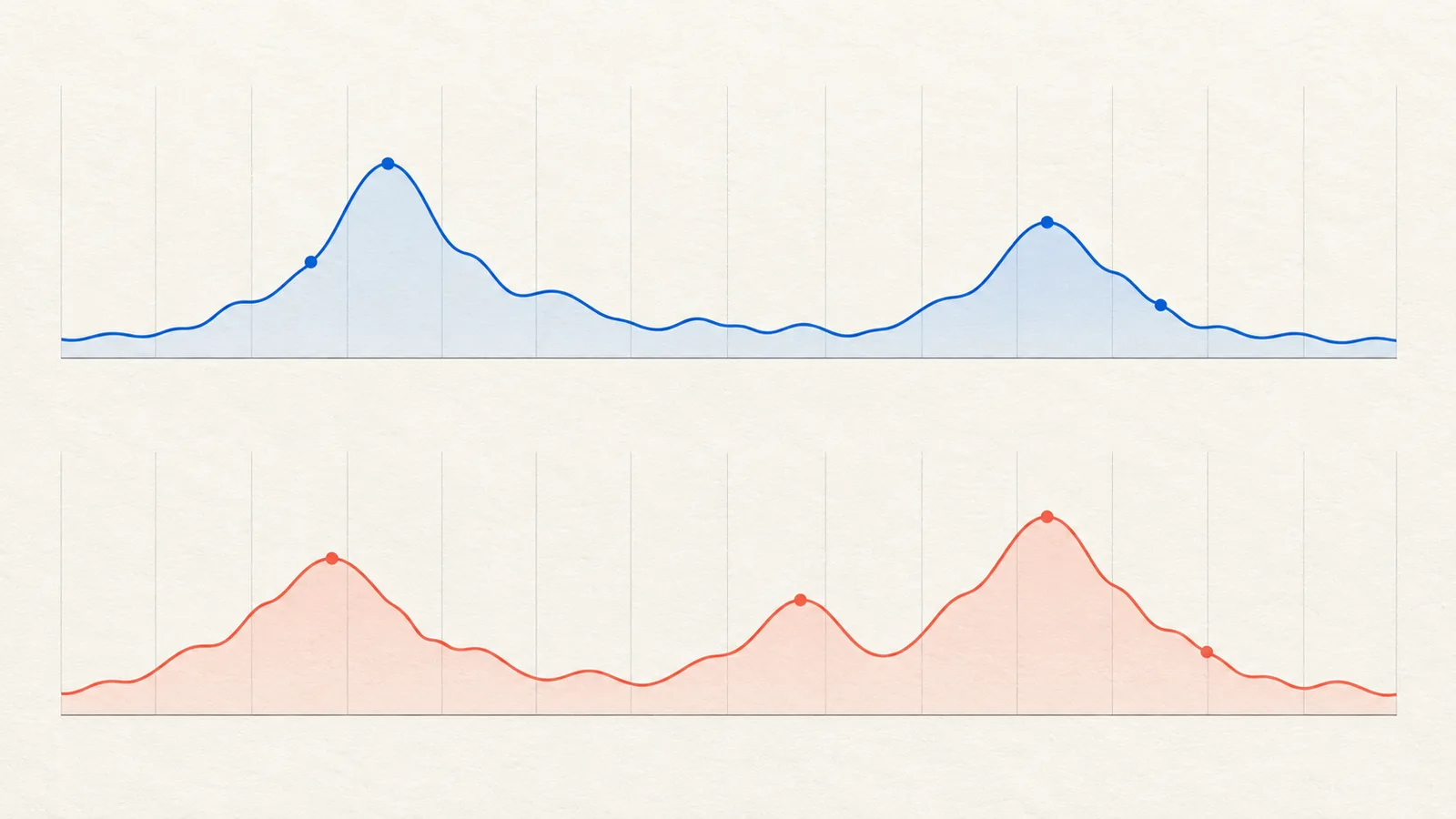

Duplicate lead conversions happen when measurement records more outcomes than your intended business definition. The cause may be a repeated event, overlapping conversion actions, or legitimate repeat submissions that your report interprets as unique people.
Do not begin by deleting every action that looks similar. First establish what each action measures and which one the campaign uses for optimization.
Compare one inquiry across the system
Take a labeled test inquiry and trace it from acceptance on the website to the business record and measurement events. Note when each event fires and which conversion action receives it.
Do not expose a customer's email address or private inquiry details in screenshots shared with vendors. A non-sensitive test reference and timestamp are usually a better debugging starting point.
If the website has one record but two events, investigate the trigger. If it has two records from a double click, investigate submission handling as well. If it has two valid requests from one person, clarify whether your metric counts inquiries or people.
Separate four common patterns
| Pattern | Evidence to look for |
|---|---|
| Repeated trigger | One acceptance produces multiple copies of the same event |
| Page-view trigger | Refreshing confirmation creates another reported action |
| Overlapping actions | A native tag and imported event both represent the same lead |
| Repeat inquiry | The person intentionally submits another valid request |
Document the intended treatment of each case. The correct answer is not always “delete the second record.” Two requests for different locations may be operationally useful even if your acquisition report counts one new customer.

Check counting separately from event implementation
Google Ads lets an action count one conversion or every conversion following an interaction. Choosing “one” is not a universal database deduplication mechanism, and it does not merge different conversion actions representing the same outcome. Google's counting-options guidance.
Review which actions are primary and which goals the campaign actually uses. Keep diagnostic activity available where appropriate, but avoid telling bidding that several measurements of one inquiry are several independent business successes. See primary versus secondary conversions.
Do not change a legitimate sales action to hide a website bug. Repair the event trigger at its source and then verify the intended count setting.
Test the repair without rewriting history
Repeat normal submission, failed validation, double click, and confirmation refresh. Save expected and observed results. Test relevant browser and consent paths rather than assuming one successful desktop run covers everything.
Annotate the repair date and explain the effect on future comparisons. A sudden drop in reported conversions after removing duplicates may be improved measurement rather than worse business performance. Preserve historical reports with their known limitations instead of silently relabeling past counts.
If one conversion event is correct but different reporting systems still disagree, use the GA4 and Google Ads reconciliation guide. Not every discrepancy is a duplicate.

How Omesta helps with keeping uncertain reporting visible
Recent Omesta reporting improvements preserve missing or incompatible measurements instead of silently replacing them with a blended total. That supports a more honest review while you investigate duplicate events. It is not an automatic deduplication service for your website or CRM: inspect the source event, conversion action and business record separately.
Explore the AI ad-management workflow for current capabilities and the pricing page for plan limits.
Frequently asked questions
Does choosing “one conversion” fix double tagging?
It may change reported counting for that action, but it is not a replacement for identifying repeated triggers or overlapping actions. Verify the implementation separately.
Are two forms from one person always duplicates?
No. They may describe separate valid needs. Define the difference between inquiries, unique leads, and new customers for your business.
Should I delete the historical conversion action?
Do not delete records merely to make the chart look cleaner. Document the issue, choose the correct future configuration, and preserve the context needed to interpret history.